

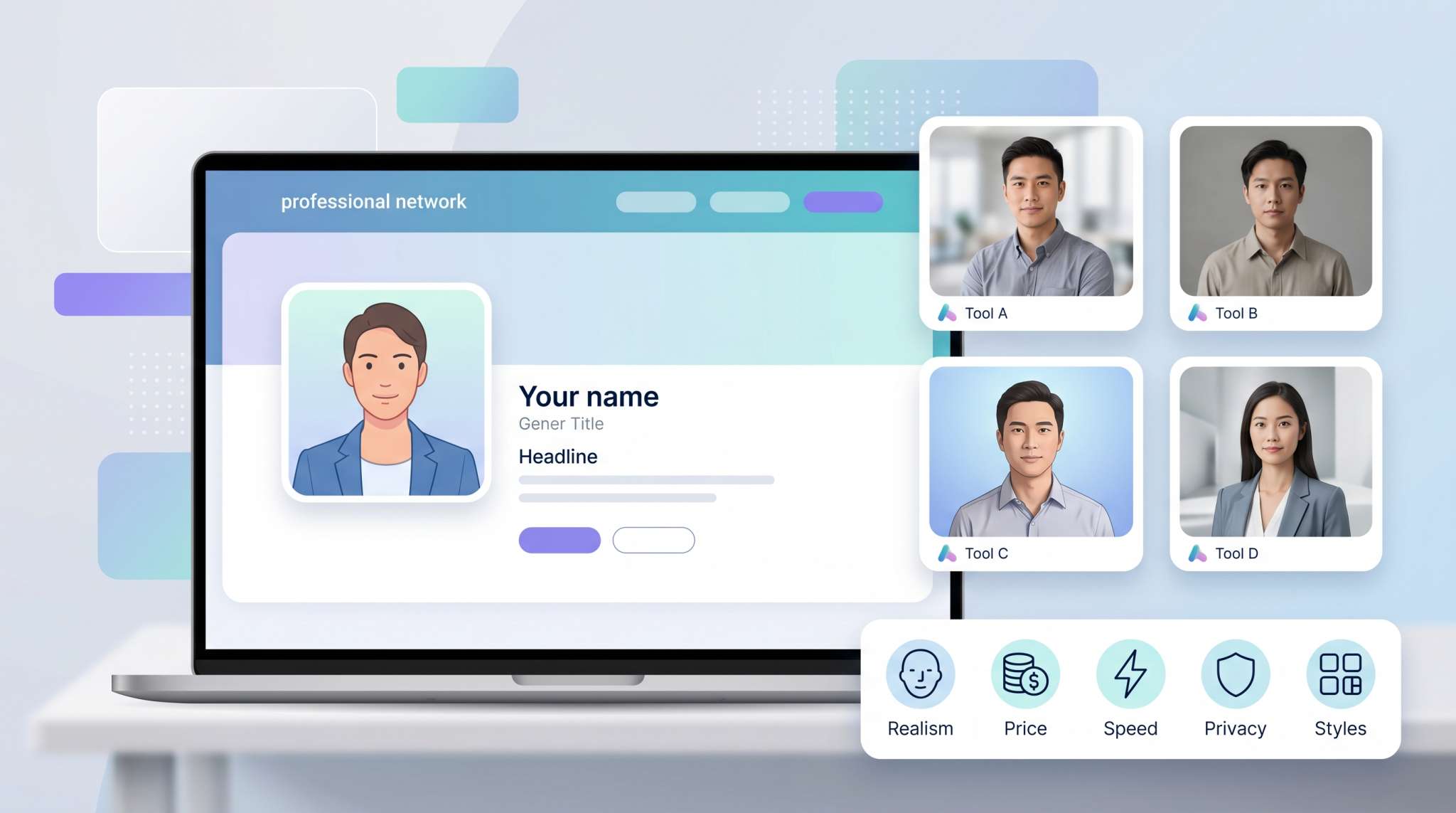
Table of Contents
Your LinkedIn headshot still does the heavy lifting. LinkedIn reports that profiles with a photo draw 14 × more views.
AI headshot apps have surged since Remini shot to No. 1 in the App Store after TikTok showcased its instant “LinkedIn look.”
But which generators can deliver a studio-grade, policy-safe image without putting your selfies—or your privacy—at risk?
We uploaded test selfies to today’s top contenders, scoring each on realism, price per keeper, turnaround time, and data handling (Proshoot, for instance, auto-deletes files after seven days). Here’s what we found.
How we picked the winners
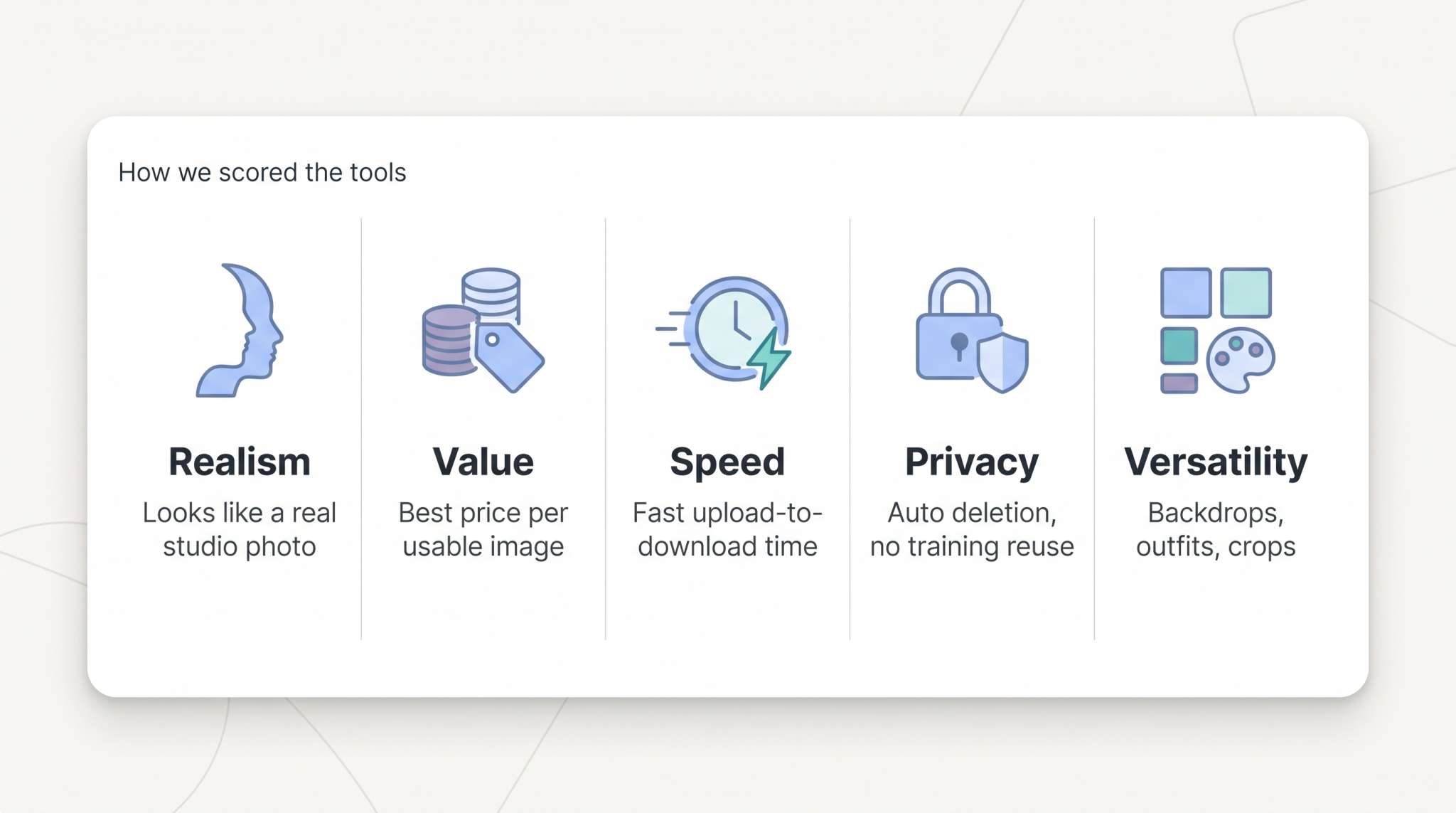
Calling one tool “the best” can feel subjective, so we built a five-point scorecard before we touched a single selfie.
First, we tested realism. A LinkedIn photo must look like a studio shot, not a Snapchat filter. We zoomed to 200 percent, inspected skin texture and eye symmetry, and asked two recruiters whether each image looked “obviously AI.” If either recruiter spotted artifacts, that service lost points.
Next, we compared cost to usable output. Some apps charge $50 for five images; others ask $20 and deliver 100. We calculated a price-per-keeper rate to reveal true value, not just the sticker price.
Speed matters, too. When you land an interview and need a headshot tonight, a 48-hour wait is out of the question. We ran every generator on the same wired connection and timed the gap from upload to final download.
Privacy ranked high. Any service that stores uploads indefinitely or trains fresh models on your face slid down the list. We rewarded clear policies that promise automatic deletion within days and zero reuse in training. For example, InstaHeadshots states on its site that every upload is erased automatically 30 days after your gallery is created, and you can trigger deletion sooner from the dashboard—exactly the kind of concrete safeguard that earned full marks in this category.
Finally, we scored versatility. Top tools supply several professional backdrops, outfit styles, and crop options, so you can match both your personal brand and a team style without extra editing.
Realism, value, speed, privacy, and versatility. Weighting these five pillars gave us a definitive top five and let us rank with confidence instead of shrugging “it depends.”
The winners
We tested a crowded field of generators, but five tools stood out. Below is our top pick, with a mini-review so you can decide whether it fits your workflow.
1. InstaHeadshots: studio quality in five minutes
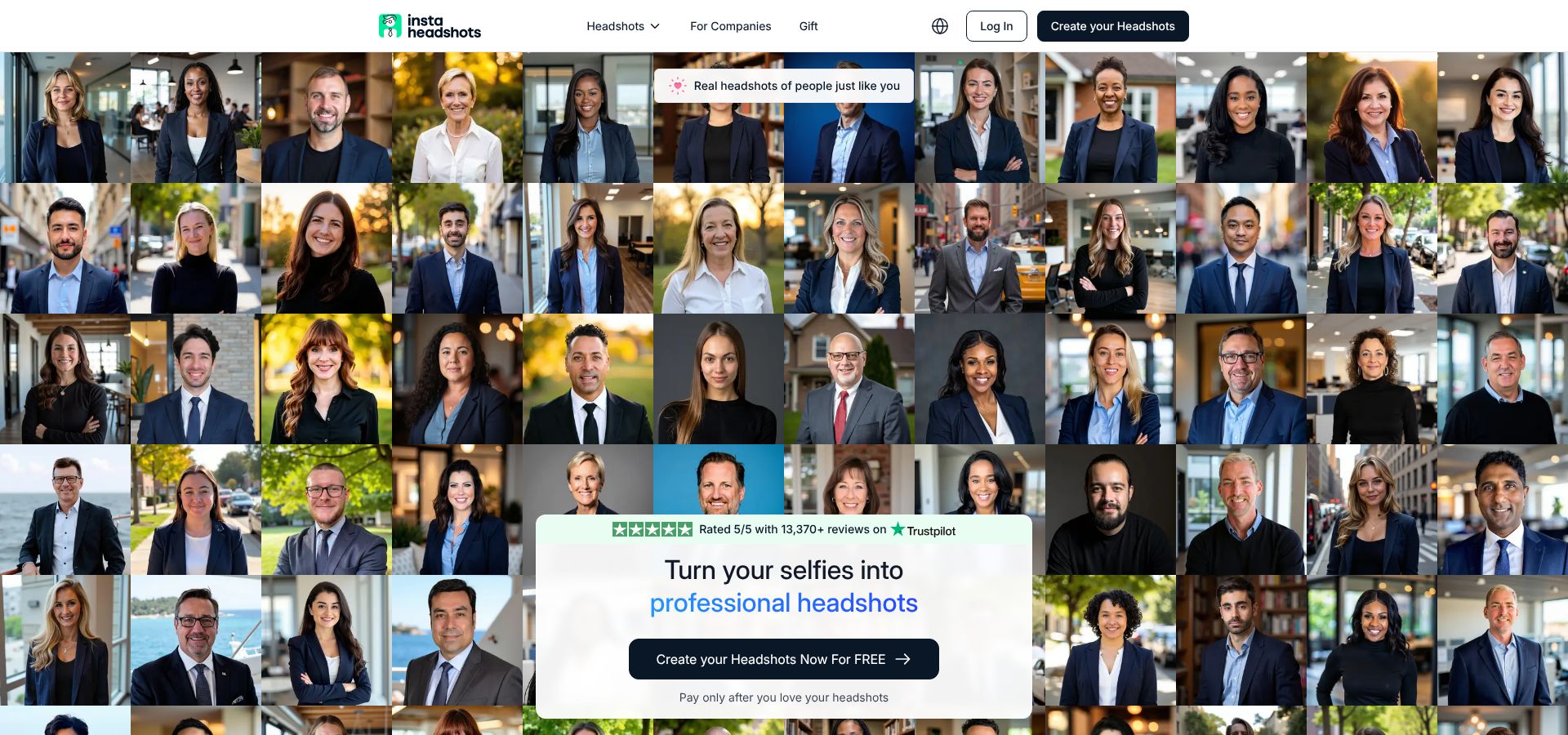
InstaHeadshots AI LinkedIn headshot generator homepage screenshot.
Speed is InstaHeadshots’ calling card. We uploaded 10 everyday selfies, tapped “Generate,” and a full gallery appeared before our coffee cooled. That quick turnaround matters when a recruiter pings you at 4 pm and you need a polished photo before dinner.
Quality keeps pace. The AI preserves skin texture, keeps eye whites bright without a glazed look, and adds subtle chin shadows that make your face feel three-dimensional. We rejected only 2 of 40 outputs for minor ear glitches. That is an excellent hit rate.
Variety is another plus. The tool offers more than 40 professional presets, from crisp white backdrops to softly blurred office scenes. Selecting a preset re-renders the image instead of applying a flat overlay, so lighting stays coherent and suit fabric looks authentic.
Pricing is simple. On https://www.instaheadshots.com/, a one-time $49 unlocks a batch of 40 high-resolution headshots. That may seem steep for a single image, yet it becomes a bargain if you refresh multiple platforms or shoot for a small team. You own the photos forever with no recurring fee.
Privacy rates high. A countdown timer on every upload reminds you that files auto-delete within days unless you wipe them sooner. That visible clock builds trust; the service never keeps your face on file.
Who should use it? Busy professionals who value speed and choice, founders who refine their personal brand often, and lean teams that need consistent photos without booking a photographer in five cities. If you only need one shot and have a week to wait, another option may save money. When time is tight and quality must be perfect, InstaHeadshots delivers.
2. Aragon AI: studio realism for polished professionals
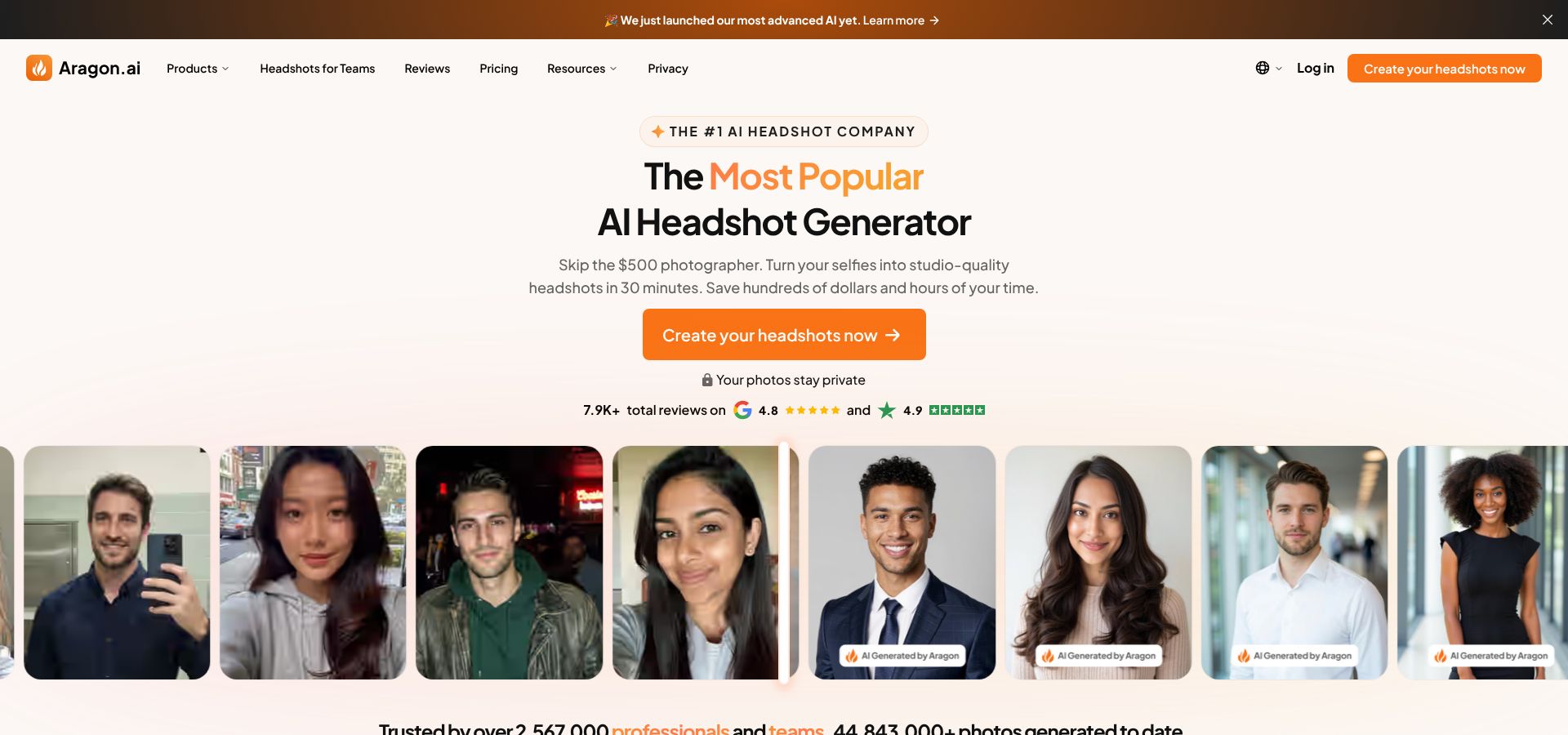
Aragon AI professional studio-grade headshot generator website screenshot.
Aragon earned its reputation by producing photos you could mistake for a downtown studio session. That polish starts with its training method. The platform asks for 10 to 20 varied selfies, learns your angles, then returns 40-plus head-and-shoulders shots that keep pores, freckles, and flyaway hairs intact. The result looks authentic, not airbrushed.
Generation takes longer than InstaHeadshots. The first batch arrived in our inbox just under two hours after upload, but once the personal model was trained, every extra set rendered in seconds. That rhythm works for anyone who likes to tweak backdrops or outfits until they click.
Pricing is straightforward. A one-time $35 covers model training, every high-resolution JPEG, and download rights you can use across LinkedIn, résumés, and even printed name tags.
Consistency across teams is Aragon’s standout feature. Larger companies can invite employees in bulk and receive a uniform gallery where every backdrop, lighting scheme, and crop matches. Marketing teams appreciate the cohesion; IT enjoys skipping photographer logistics across time zones.
Privacy checks out, too. Headquartered in Europe, Aragon follows GDPR. The policy says user photos delete after processing and never feed future training, keeping personal data private.
Choose Aragon if realism tops your list and you prefer pay-once ownership. It suits executives, attorneys, and consultants who need a headshot that looks boardroom ready, and HR managers looking for a scalable, hands-off solution for the whole org.
3. HeadshotPro: maximum photos for minimum cash
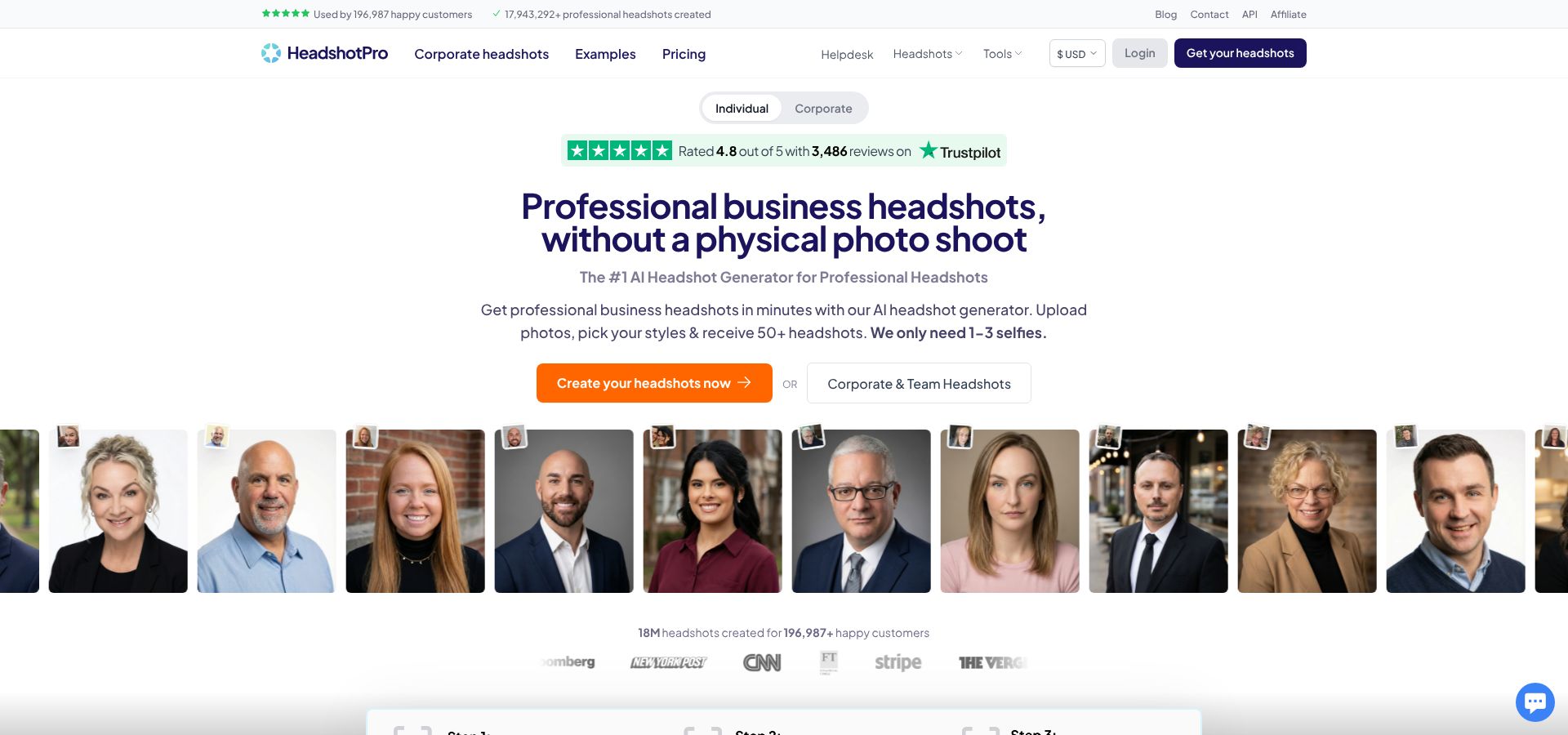
HeadshotPro bulk AI headshot generator website screenshot.
HeadshotPro takes a quantity-first approach that serves anyone who is picky or needs images across several channels. Our $59 Executive plan returned 120 downloadable shots, each in 4K resolution. That volume lets you choose a formal photo for LinkedIn, a friendlier crop for Slack, and a square image for press kits without running another session.
Turnaround is quick. Most batches finished in under two hours, and an email alert arrived the moment they were ready. That real-time pace removes the guesswork of refreshing dashboards.
Quality holds up despite the output flood. The AI smooths skin slightly but rarely drifts into plastic territory. We saw an occasional stray ear fold or off-kilter lapel, yet with nearly 100 images on deck, skipping a few was painless.
Team management is where HeadshotPro shines. You can invite colleagues, assign a style guideline—same gray backdrop, same crop—and receive a unified gallery. Marketing teams appreciate the consistency, and IT avoids scheduling photographers across time zones.
Pricing is simple: pay once, download forever. No subscription, no watermark up-charges, no metered credits. You own the shots as soon as they finish, which keeps budgeting clear for both individuals and departments.
Choose HeadshotPro when you need many options, prefer flat-fee pricing, or want a fast way to standardize photos across your company.
4. Remini: the fast fix on your phone
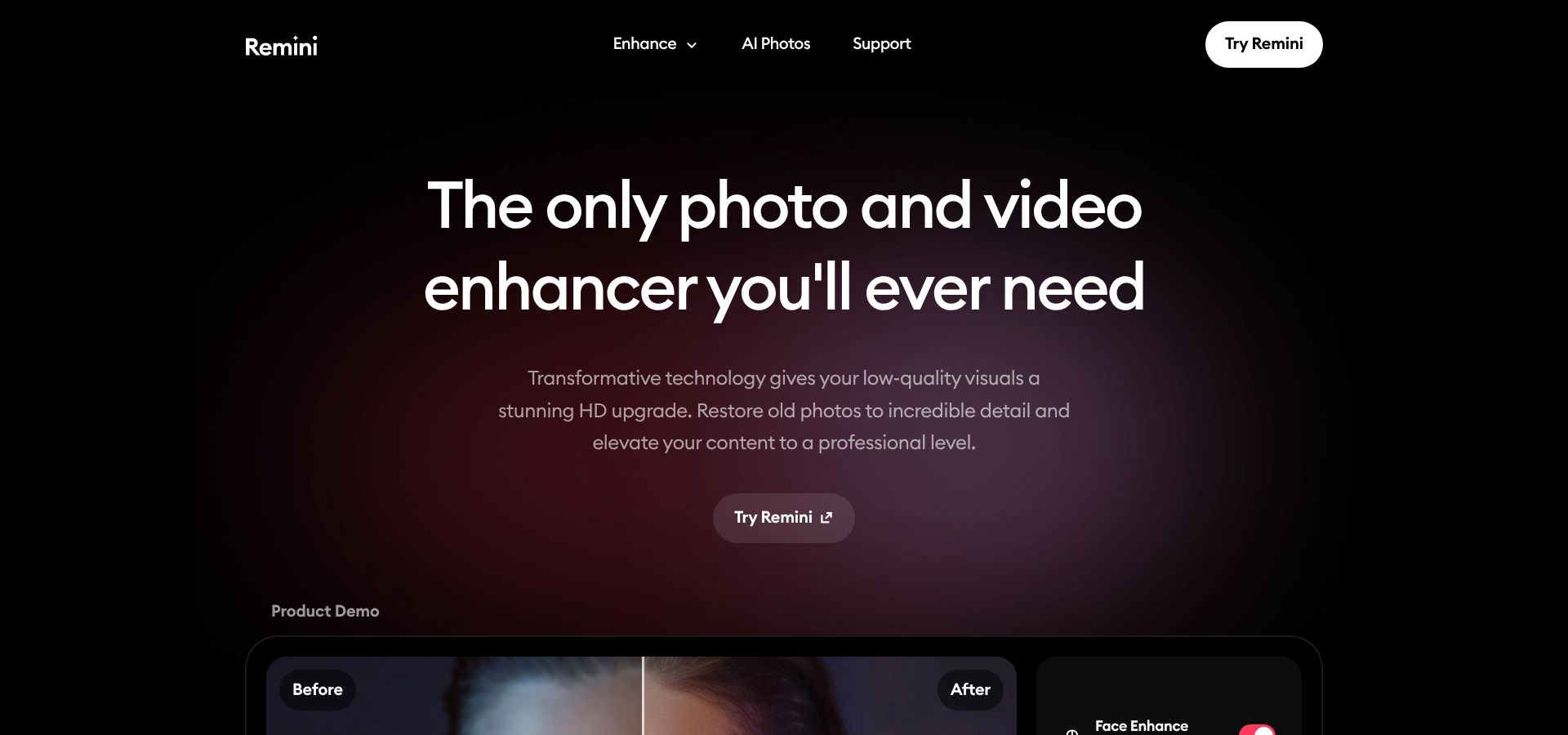
Remini mobile AI headshot app landing page screenshot.
Remini lives in your pocket, not your browser, and that changes the workflow. Open the iOS or Android app, choose “LinkedIn headshot,” and the AI refines a single selfie into a business-ready portrait in about three minutes. No uploads to juggle, no desktop required, no waiting for email alerts.
The convenience is real. We shot a quick photo against a living-room wall and watched the app smooth lighting, sharpen detail, and add a soft blur behind our shoulders. The final image was not quite studio-level—the skin retouch felt heavier than Aragon’s, and Remini sometimes narrowed a jawline more than reality—but it worked for a last-minute profile update.
Cost stays low if you use the trial. Downloading Remini is free and a three-day trial unlocks unlimited exports. Cancel before renewal and you pay nothing. Keep the subscription and it runs about $10 a week, still less than coffee with a photographer.
Consistency is the trade-off. Because the tool works from a single selfie, lighting can clash with the AI-added blazer or shirt. Shoot near a bright window and keep your chin level to reduce awkward shadows the algorithm might exaggerate.
Use Remini when time or tech access is limited—for example, when you are traveling, your laptop charger is missing, and you need a headshot by morning. It is not ideal for executive photos, but as a quick fix it turns “I have no photo” into “good enough” faster than any other option here.
5. ProfilePicture.ai: creative flexibility on a shoestring
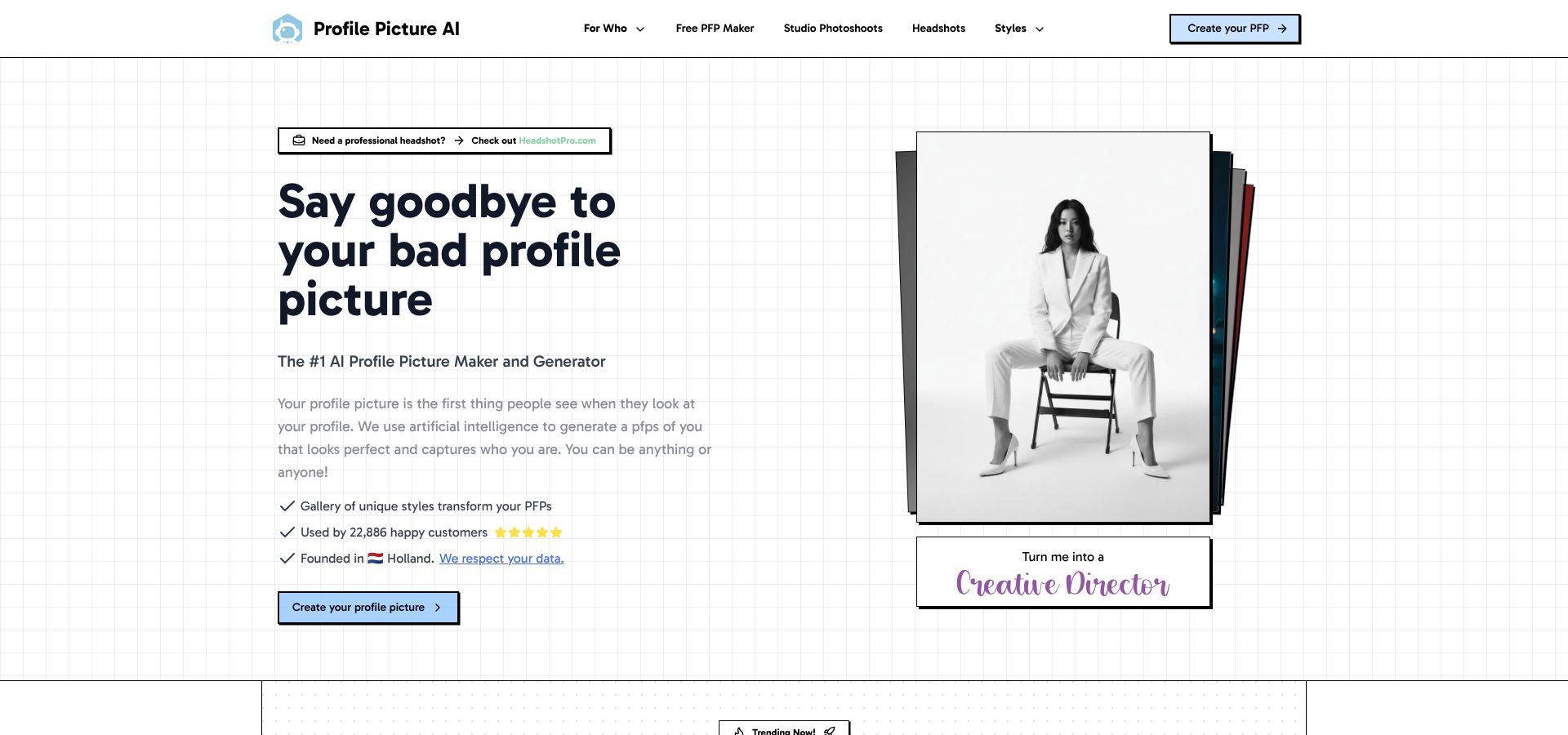
ProfilePicture.ai budget AI headshot style library website screenshot.
ProfilePicture.ai feels less like a single-purpose generator and more like a menu of options. Upload 10 selfies, select the Corporate or LinkedIn styles, and the platform returns 50 images for $8–$24, depending on the package. That pricing brings the cost per keeper down to cents, making it the most cost-efficient choice in our lineup.
The style library is the main attraction. Need a blazer shot on a gray gradient? Done. Prefer a softer outdoor backdrop? Also available. You can even add a casual avatar for gaming without extra cost. Because you lock in styles before generation, you avoid burning credits on cartoon outcomes when you only need a boardroom look.
Quality sits a notch below Aragon but has improved with recent diffusion-model updates. Skin texture stays visible and facial structure stays true, though you may notice the occasional bright tooth or uneven shadow. A quick edit in Lightroom or Canva corrects those quirks in minutes.
Average turnaround is 45 minutes. Start a batch at lunch, review options before your afternoon stand-up, and post the winner by close of business. An email alert saves you from refreshing the status bar.
Privacy is solid. The dashboard lets you delete uploads and results, and the policy states that images are not reused for future training. That promise matters when you are paying bargain prices and worry about hidden catches.
Choose ProfilePicture.ai if you are price-sensitive, enjoy experimenting with brand aesthetics, or manage multiple online identities that need fresh looks. It is a flexible, low-cost way to stay credible wherever you appear online.
Side-by-side cheat sheet
You have five strong contenders. Seeing their key numbers in one scan makes the choice easier. Use this table as a quick check before you reach for the credit card.
| Tool | Realism | Speed | Price | Privacy | Best for |
| InstaHeadshots | Very high | about 5 min per batch | $49 one-time | Visible auto-delete timer | Last-minute pros, small teams |
| Aragon AI | Studio grade | 2 h first batch, seconds after | $35 one-time | GDPR, deletes after processing | Executives, enterprise roll-outs |
| HeadshotPro | High | under 2 h | $29–$59 one-time | Removes files after generation | Bulk photos, team uniformity |
| Remini (app) | Moderate | 3 min | Free trial, $9.99 per week | Stored in app, claims compliance | Emergency single selfie |
| ProfilePicture.ai | Good | about 45 min | $8–$24 one-time | User-triggered deletion | Budget creatives, multiple styles |
Remember, realism and privacy matter most if you sell face-to-face over Zoom, while speed and cost win when you just need something decent today. Scan the table row that matches your current pain point, pick the tool, and you will have a profile photo that works as hard as you do.
Five pro tips for a headshot that earns the click
Lighting comes first. Face a window on an overcast morning; soft daylight smooths skin and helps every AI model read the true contours of your face.
Keep the frame tight. Crop from the shoulders up with your eyes about one-third from the top. That classic composition fills LinkedIn’s circle without cutting your chin or forehead.
Smile like you just heard good news. Recruiters scan hundreds of profiles each day; a warm expression signals confidence and approachability faster than any tagline.
Match your outfit to the rooms you want to enter. Pitching Fortune 500 clients? Choose a suit. Building in startups? Smart casual fits. AI can generate a tux, but authenticity lands better than overdressing.
Audit before you post. Zoom to 200 percent and check for odd earrings, stray hairs, or overly bright teeth. If the image still looks like the real you, upload, crop, and watch engagement rise.